The ticket was one line long: "Our contact page is showing a gambling site." It was right. Opening /contact/ on the company's WordPress site returned a 1.8 MB slot-gambling page — "SLOT MAXWIN" in the title, styled as a clone of a well-known online marketplace, with right-click and Ctrl+U disabled so a curious visitor could not view the source. The homepage was fine. Every other page I tried was fine.
The usual suspects were all clean. WordPress core verified against the official checksums. The database had no injected options, no spam posts, no rogue snippets, no triggers. No plugin or theme file contained the spam. The site had even been rebuilt on a fresh WordPress install with a new theme a few days earlier — and the spam page survived the rebuild untouched.
The reason is almost embarrassingly simple, and it is the reason this technique keeps working: the attacker never touched WordPress at all. They created a folder called contact. This article walks through how that hijack works, the file-manager toolkit that planted it, how to hunt for it on your own servers, and the two cleanup mistakes that leave a site broken even after the spam is gone. All identifying details of the affected site have been removed.
🧭 How WordPress decides who answers a URL
Every WordPress site with pretty permalinks ships with this block in its .htaccess (or an nginx equivalent with try_files):
# BEGIN WordPress
<IfModule mod_rewrite.c>
RewriteEngine On
RewriteBase /
RewriteRule ^index\.php$ - [L]
RewriteCond %{REQUEST_FILENAME} !-f
RewriteCond %{REQUEST_FILENAME} !-d
RewriteRule . /index.php [L]
</IfModule>
# END WordPress
Read the two RewriteCond lines carefully. They say: only hand the request to WordPress if no real file (!-f) and no real directory (!-d) exists at that path. That is a deliberate design choice — it is what lets static files, images and tools live alongside WordPress. But it also means that the filesystem always wins. If a directory named contact/ exists in the document root with an index.html inside it, the web server serves that file directly for /contact/. WordPress is never loaded, the page in the database is never queried, and nothing in the WordPress admin looks wrong.
From the attacker's point of view this is ideal:
- It hijacks a URL that already ranks.
/contact/,/privacy-policy/and/support/exist on almost every business site and are already indexed by search engines. The spam inherits that trust. - It is invisible from the dashboard. The Contact page still exists in Pages, still edits normally, and still previews correctly in the editor.
- It survives WordPress-level cleanup. Reinstalling core, swapping themes, restoring the database or running a plugin-based scanner does not touch an arbitrary folder in the docroot.
- It needs no PHP at all. The payload is static HTML, so there is no
eval, no obfuscation and nothing for code-pattern signatures to match.
🎰 The spam kit: three files per hijacked URL
Each hijacked path held the same three files:
contact/
├── index.html     1,816,611 bytes   the gambling page
├── robots.txt            87 bytes   "Allow: /" + Sitemap pointer
└── sitemap.xml          440 bytes   one URL, lastmod = the day it was planted
The robots.txt and sitemap.xml are not decoration. They exist so that crawlers which discover the folder get an explicit invitation to index it, with a fresh lastmod date that suggests new content. The HTML itself is a self-contained doorway page: inline CSS, embedded images as data URIs, a canonical tag, structured data, and outbound links to the operator's betting domains. A second, live kit sat in a WooCommerce-style path, product-category/<category-name>/index.php — a 1.26 MB page branded "MEGA777" that, despite the .php extension, was pure HTML.
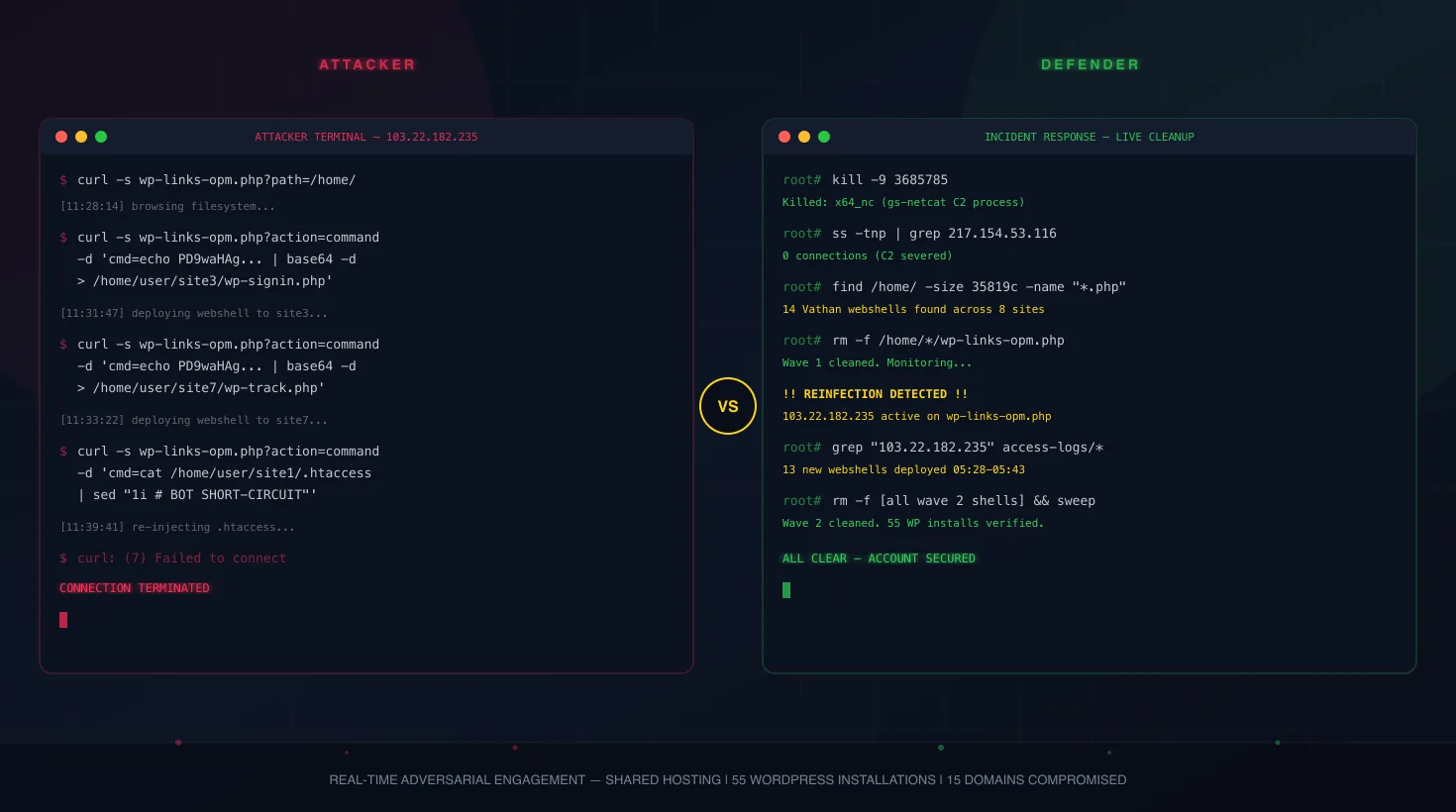
The same operator had also taken over two unused subdomains of the account. Their document roots held nothing except spam folders — fourteen of them across the two hosts, rotating brands such as HOKIHOKI, JUDOLBET88, TOTO22, SUHU69, MSTOTO and BANDAR168. One of them added a small PHP loader that fetched its page from a public paste service only when the visitor identified as a search-engine crawler, the same cloaking pattern I described in Caught Red-Handed: Fighting an Attacker in Real Time During a WordPress Cleanup.
Scattered across the account were google<16-hex>.html files — Google Search Console verification tokens. One of them was named explicitly in the attacker's own .htaccess rules (more on that below), which is how I knew they were not the owner's. With a verified property the operator can submit their spam sitemaps directly and watch the hijacked URLs climb. I saw the same move in Dead Drop: How Attackers Use JSONBin.io to Exfiltrate WordPress Credentials, where nine fake verification files backed a database-based gambling campaign.
👻 The pages that were "cleaned" into white screens
Three more folders — privacy-policy/, support/ and terms-and-conditions/ — plus a product path under shop/ told a second story. Their robots.txt and sitemap.xml were intact, but their index.php files were zero bytes. At some point months earlier a scanner had detected the spam and neutralised it by emptying the files. That stopped the spam. It also left the folders in place, and an empty index.php in a real directory still wins over WordPress. The result was three blank white pages on the live site, including the privacy policy, and nobody had connected the blank pages to the old infection.
Truncating a malicious file is a fine emergency measure. It is not a fix when the file's mere location is the attack. If the folder stays, the URL stays hijacked — just with nothing in it.
🧰 The toolkit behind it: a file manager hidden in core-looking paths
Static spam has to be uploaded by something. The something turned out to be a full web-based file manager, the open-source KodExplorer project, installed three times in places designed to look like part of WordPress itself:
| Path | Files | Why it blends in |
|---|---|---|
| wp-admin/images/ico/ | 1,497 | Core really does have wp-admin/images/; an "ico" folder sounds like favicons |
| wp-includes/css/datatables/ | 1,358 | DataTables is a real front-end library; the name looks like a bundled asset |
| wp-includes/js/jquery/ui/additional-assignment/ | 1,362 | Sits among dozens of genuine jQuery UI files |
Each copy also carried a bundled database client plugin, giving the operator a browser-based file manager and SQL console on the account. Earlier detections had zeroed out the toolkit's controller files, which broke the interface — but, as with the spam pages, the directories themselves were left behind. Thousands of files of someone else's application were sitting inside wp-admin and wp-includes, and the site had passed casual inspection for months because nobody lists directories inside core folders.
One detail is worth calling out: deep inside the first copy, at .../data/User/admin/recycle_kod/, was the file manager's own recycle bin. It contained more gambling pages (TOTO77, TOTO21, HOKIHOKI variants) that the operator had uploaded, replaced and "deleted" through the interface. If you ever find a web file manager on a compromised account, its trash folder is a free history of what the attacker staged.
The dropper that rebuilds it in one request
Next to the third copy sat wp-includes/js/jquery/ui/kh.php — 2,064 bytes, commented in Indonesian, and fully readable. Its job is narrow: download the KodExplorer source archive straight from its public GitHub repository and extract it into the current directory. No obfuscation is needed because there is nothing suspicious-looking in it, just an HTTP download and a zip extraction.
This makes the dropper the most important file to remove, not the least. As long as it exists, the whole toolkit is one HTTP request away from being reinstalled — by the attacker, or by anyone who requests the URL. That includes well-meaning responders. A curl to "check whether the file is reachable" is not a passive check on a PHP file; it executes it. Check reachability from the filesystem (permissions, .htaccess rules, docroot location) and never by requesting a suspected script.
To make sure the dropper could actually run in a core directory, the operator added a 285-byte .htaccess beside it. Condensed, it does two things: turns the rewrite engine off for that directory, and explicitly allows direct requests to .php, .html and .xml files. WordPress core never ships an .htaccess inside wp-includes/js/, so its mere presence is a high-confidence indicator.
🧾 The attacker's notes, left in the main .htaccess
The root .htaccess had a block above the WordPress section that the owner had never written. It was commented out — inert — but it survived the rebuild, and a copy of it was even preserved inside a theme-generated backup of the file:
#<FilesMatch ".*\.(cgi|pl|py|pyc|pyo|php3|php4|php6|pcgi|...|alfa|suspected|py|exe|alfa|html|htm)$">
#Order Allow,Deny
#Deny from all
#</FilesMatch>
Options -Indexes
#<FilesMatch '^(index.php|lalama.php|amp.php|home.php|profile.php|conf3.php|google<token>.html|config.json|wp-logins.php|web.php|wp.php|sitemap.xml|robots.txt|kh.php|net.php)$'>
# Order allow,deny
# Allow from all
#</FilesMatch>
#ErrorDocument 403 '<center><h3>403 FORBIDEN</font>'
This is a well-known "lock the site to my files" pattern: deny every executable extension (the list goes on for hundreds of case variants), then whitelist only the attacker's own filenames so competing intruders — and the owner's own code — are blocked. The misspelled FORBIDEN error page is a calling card. Even commented out, the block is valuable: it is a list of filenames to hunt for (lalama.php, wp-logins.php, conf3.php, net.php, kh.php), and it ties the verification token to the operator.
🗑️ The debris: stubs, logs and a 3.8 MB target list
The rest of the account read like an attacker's working directory:
- Zero-byte PHP stubs with names like
$.php,grozzafour.php(three copies),silit.php,wp-mali.php,wp-plugins.php,profile.phpand a lonef35.phpin uploads. Zero-byte files in odd places are either neutralised shells or write-access probes. Either way they mark where the attacker had a foothold. - A
wgetlog saved as.phprecording the download of a single-file "tiny" file manager variant — the earlier tool, later replaced by the full file manager. - An
alfacgiapi/folder with an empty.htaccess: the CGI helper directory that a well-known PHP webshell creates when its operator uses the "CGI shell" feature. - A folder literally named
-, world-writable, empty: a staging directory. wop.txt, 3.8 MB: a plain-text list of target PHP paths, the input for a mass-upload or mass-check script run against many sites at once.
The file timestamps put the first stub on the first day of the year, the file manager a week later, and the spam folders over the following five weeks. The owner noticed the contact page nine months after that — days after rebuilding the site, which says everything about how invisible this technique is from inside WordPress.
🔍 How to hunt for folder hijacks on your own servers
Run these from the WordPress document root. All of them are read-only.
1. Find WordPress URLs that a real directory is overriding
# Every published slug that also exists as a folder in the docroot
wp post list --post_type=any --post_status=publish --field=post_name \
  | sort -u | while read -r slug; do
      [ -n "$slug" ] && [ -d "$slug" ] && echo "SHADOWED: /$slug/  ->  $(ls -A "$slug" | tr '\n' ' ')"
    done
This catches top-level slugs. Nested paths such as shop/<product>/ or product-category/<name>/ are covered by the fingerprint search below.
2. Find the spam kit's fingerprint
# robots.txt / sitemap.xml anywhere below the docroot root are almost never legitimate
find . -mindepth 2 \( -name robots.txt -o -name sitemap.xml \) \
  -not -path './wp-content/*' -printf '%TY-%Tm-%Td %8s %p\n' | sort

# Large static index pages in subfolders
find . -mindepth 2 -maxdepth 4 \( -name index.html -o -name index.php \) -size +200k \
  -not -path './wp-content/*' -not -path './wp-admin/*' -not -path './wp-includes/*' -printf '%s %p\n'

# Zero-byte PHP files: neutralised shells and folder stubs
find . -name '*.php' -size 0 -printf '%TY-%Tm-%Td %p\n'
3. Find foreign code inside core directories
# "File should not exist" lines are your list of non-core files in wp-admin/ and wp-includes/
wp core verify-checksums 2>&1 | grep 'should not exist'

# Core never ships .htaccess files in these trees
find wp-admin wp-includes -name '.htaccess'

# Web file manager fingerprints
grep -rlE 'kalcaddle|KodExplorer' --include='*.php' . | head
find . -type d \( -name recycle_kod -o -path '*/data/User/admin' -o -name alfacgiapi \)
A word of caution on that checksum output: on the same site, the rebuild had left complete duplicate copies of core at wp-admin/wp-admin/ and wp-includes/wp-includes/, thousands of "should not exist" lines that look alarming. Hashing them showed they were byte-for-byte identical to official core — sloppy, not malicious. Verify before you delete, as I argued in Homoglyph Backdoors: a strange location is a lead, not a verdict.
4. Find unverified Search Console tokens
find . -name 'google*.html' -size -100c -printf '%TY-%Tm-%Td %p\n'Compare each token with the properties the owner actually controls in Search Console. Any token they do not recognise belongs to someone else.
🧹 Cleaning up without breaking the site
- Back up first. Archive every folder and file you are about to remove, plus a full database dump, outside the document root. You will want them for signatures and for the conversation with the owner.
- Remove the dropper and its
.htaccessbefore anything else, then the three file-manager trees. As long as the dropper exists, the toolkit can come back. - Remove the hijack folders entirely, not just their
indexfiles. A folder containing an emptyindex.phpstill overrides WordPress and produces a blank page. - Check the parent directories. Deleting
shop/<product>/left an emptyshop/folder behind. An empty directory still satisfies-d, so withOptions -Indexesthe real Shop page now returned 403 Forbidden.rmdiris the safe tool here: it only removes a directory that is genuinely empty. - Edit
.htaccesssurgically. Remove only the attacker's lines and keep the WordPress and hosting-panel blocks byte-for-byte. Diff the result against your backup. - Clear every cache layer — object cache, transients, any page cache, and the web server or CDN cache — or the old pages keep being served.
- Verify from the origin, by title. A
200is not enough; an empty folder or a cached spam page can return 200 as well.
for u in / /contact/ /privacy-policy/ /support/ /shop/; do
  r=$(curl -sk -o page.html -w '%{http_code}' \
        --resolve example.com:443:<origin-ip> "https://example.com$u")
  echo "$u | $r | $(grep -o '<title>[^<]*' page.html | cut -c8-70) | spam=$(grep -ciE 'gacor|maxwin|togel|slot88|slot777' page.html)"
done
Every page should come back with the site's own title and spam=0. Only request URLs you expect to be legitimate WordPress pages — never the suspected scripts.
📌 Indicators
# Dropper and enabler (SHA-256)
0e7dda68155574e6bd126a21fdd46cbd127d824287f87711d5b1f3ec2bb99c9c  kh.php (2,064 bytes, KodExplorer dropper)
622315b56028e36f6415e3e2f33eefd6d3f9b2d7d62893f1b0954aa54f04f334  .htaccess (285 bytes, in wp-includes/js/jquery/ui/)

# File manager install paths
wp-admin/images/ico/
wp-includes/css/datatables/
wp-includes/js/jquery/ui/additional-assignment/
*/data/User/admin/recycle_kod/

# Filenames from the operator's whitelist and stubs
lalama.php  wp-logins.php  conf3.php  net.php  kh.php
$.php  grozzafour.php  silit.php  wp-mali.php  wp-plugins.php
alfacgiapi/  wop.txt

# Spam page markers
SLOT MAXWIN  MEGA777  HOKIHOKI  JUDOLBET88  TOTO22  TOTO77  TOTO21  SUHU69  MSTOTO  BANDAR168
tanpa-batas69[.]pro
izinnnnketua-mautayang.pages[.]dev

# .htaccess calling card
ErrorDocument 403 '<center><h3>403 FORBIDEN</font>'
✅ Takeaways
- The filesystem outranks WordPress. Any real directory that matches a permalink wins. When a single page is defaced and the database is clean, look for a folder with that page's name before anything else.
- Rebuilding WordPress does not clean the docroot. A fresh core, a new theme and a restored database leave arbitrary folders exactly where they were.
- Emptying a file is not removing a hijack. A zero-byte
index.phpin a slug folder turns spam into a blank page. Remove the folder, then check that the parent is not left empty. - Legitimate tools in illegitimate places are still malware. An open-source file manager is harmless on its own; three hidden copies inside
wp-includeswith a dropper and an.htaccessenabler are a backdoor. - Never request a suspected script to test it. On a dropper, a GET request is an install.
- Read what the attacker left behind. A commented-out
.htaccessblock and a file manager's recycle bin gave me the operator's filename list, their Search Console token and their spam history.
❓ Frequently asked questions
Why does one WordPress page show gambling spam when the database is clean?
Most likely a real folder with the same name as the page exists in the document root. The standard WordPress rewrite rules only route a request to WordPress when no matching file or directory exists, so the folder's index.html or index.php is served instead of the page.
Why is my WordPress page blank after a malware cleanup?
If a scanner emptied a malicious index.php inside a folder named after the page, the folder still overrides WordPress and the empty file renders as a white page. Delete the whole folder, and remove any parent folder that is left empty.
Will reinstalling WordPress remove this kind of spam?
No. Reinstalling core, changing themes or restoring the database does not touch extra folders in the document root, which is why this spam survives rebuilds.
Is KodExplorer malware?
KodExplorer is a legitimate open-source web file manager. Installed secretly inside wp-admin or wp-includes, together with a dropper that reinstalls it, it functions as a backdoor and should be removed like any other webshell.